Now onboarding founding vendors
Run your table, not your spreadsheet. Sell more with the QR.
Koda Cloud is the vendor tool built for card shows: catalogue, pricing, trade-ins, holds and labels in one place — designed for the table, not a back office. Every card gets its own QR label, in your colours and your name.
Not a POS — you are. Take payment however you already do. Scan the QR and Koda records the sale, updates your stock and takes it off your storefront.
- 70 / 80
- Cash / trade math, built in
- 1 QR
- Per physical copy, always
- 500
- Starter labels for founders
PokémonMagic: The GatheringOne PieceSportsGraded & rawSealed
The problem
Inventory apps weren’t built for a show floor.
Most tools want you in a back office, typing SKUs at a desk. A show is the opposite of that — a line of buyers, a trade offer mid-sentence, and venue Wi-Fi held together with hope.
- 01
Pricing on the fly
Someone slides a card across the table and asks what you’ll give for it. You’re doing market checks and percentage math in your head while the line grows.
- 02
Someone else’s logo on your labels
The big label tools print their brand on your table. Your customers should remember your shop’s name — not your software vendor’s.
- 03
The binder black hole
A card sells at 11am, but it’s still listed online at 3pm. Holds live in your texts, sales live in your memory, and nothing agrees with anything.
How it works
Snap. Price. Label. Sell.
Four steps, start to finish. The same flow whether the card came out of a binder at home or a trade pile five minutes ago.
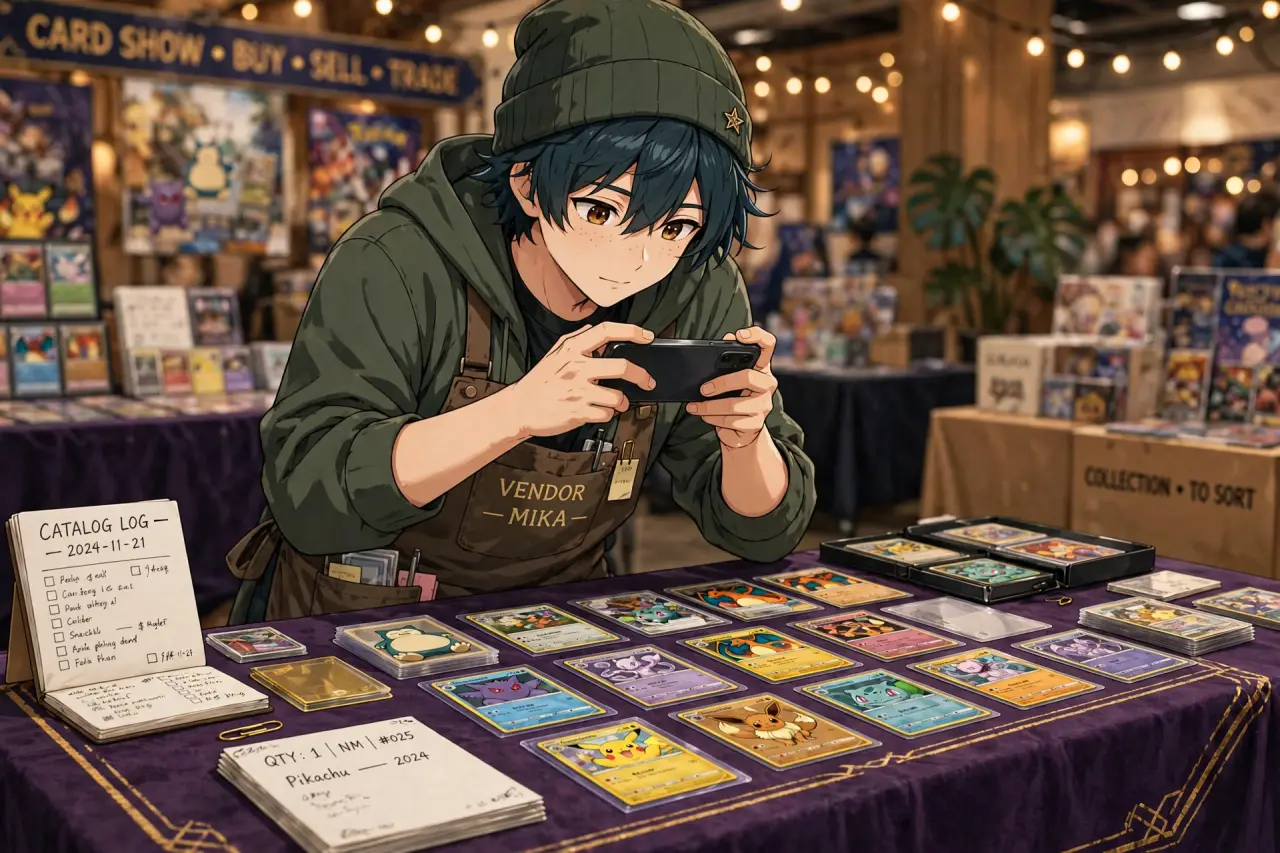
Point the camera at the card.
Intake starts with a photo, not a form. Snap the front and back — the card is identified and added to your catalogue as its own physical copy, with its own code.
- Front and back photos, stored with the copy
- Graded cards keyed by cert number — one cert, one copy, no duplicates
- Works for raw singles, slabs and sealed
Not a POS
You’re the register. Koda’s everything around it.
Keep your cash box, your card reader, your e-transfers. Koda never touches the money — it records the sale, keeps your stock straight and makes every hand-off one QR scan.
- 1
They pay you. You scan the label.
Cash, tap, e-transfer, trade — however they pay, that part is yours. Then point your phone at the QR on the card.
- 2
The sale is recorded.
Price, buyer, trade-ins and the day’s running total, written down for you. No notebook, no spreadsheet tonight.
- 3
Stock and storefront follow.
It’s off your shop page before the next buyer asks, and your catalogue already knows it’s gone.
Works alongside however you already get paid
- Cash
- Tap & card readers
- Square
- E-transfer
- Trade credit
No hardware to buy, no processing fees, nothing to switch.
What’s inside
Built for vendors, by a vendor.
Koda Cloud is dogfooded at real shows by Koda’s Cards & Collectables in Victoria, BC. If it doesn’t survive a Saturday at a card show, it doesn’t ship.
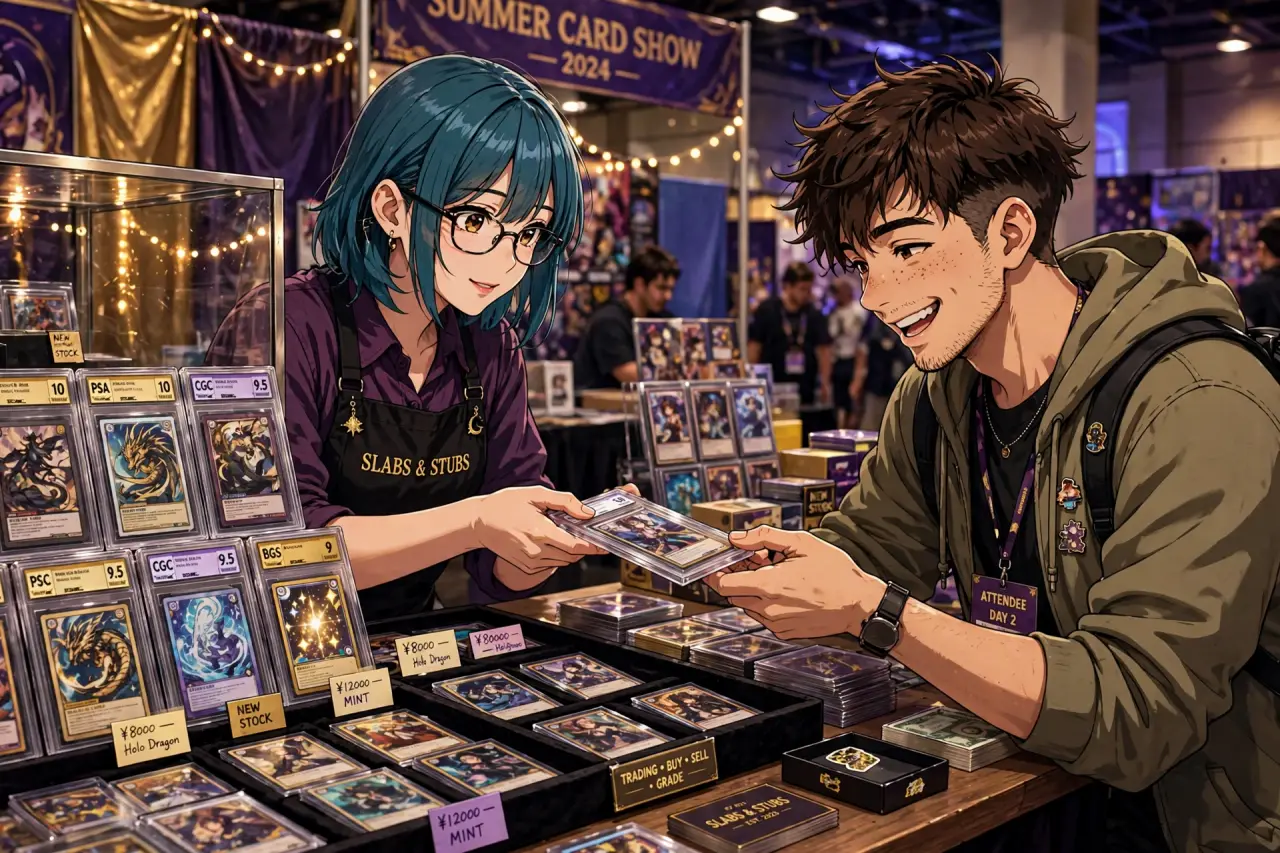
Snap-to-catalogue intake
Photo in, card identified, copy created. No typing set names at a folding table, no spreadsheet to reconcile when you get home.
IntakeTrade-ins, handled
The 70% cash / 80% trade offer is calculated the moment a card is priced — consistent for every buyer, every time, no mental math.
Trade-ins
A QR on every copy
Each physical card carries a unique code. Buyers scan the label to see the card and your live price; you scan it to sell, hold or re-price it.
QR labelsHolds & sales that agree
Hold a card for a buyer and it’s held online too. Mark it sold at the table and it’s gone from the storefront before the next person asks.
Holds · SalesWhite-label, for real
Your colours, your shop name, your labels, your storefront. Customers build loyalty to your brand — the software stays invisible.
Your brandA terminal for the table
One screen, landscape, big prices. Preload your catalogue before the show and keep selling through venue Wi-Fi outages — it syncs when you’re back.
Show day
Try it right here
Three pieces of it, live on this page.
Soon you’ll be able to poke at the parts that matter: the trade-in math your buyers will hear, what your labels could look like in your own colours, and how holds and sales feel at the table.
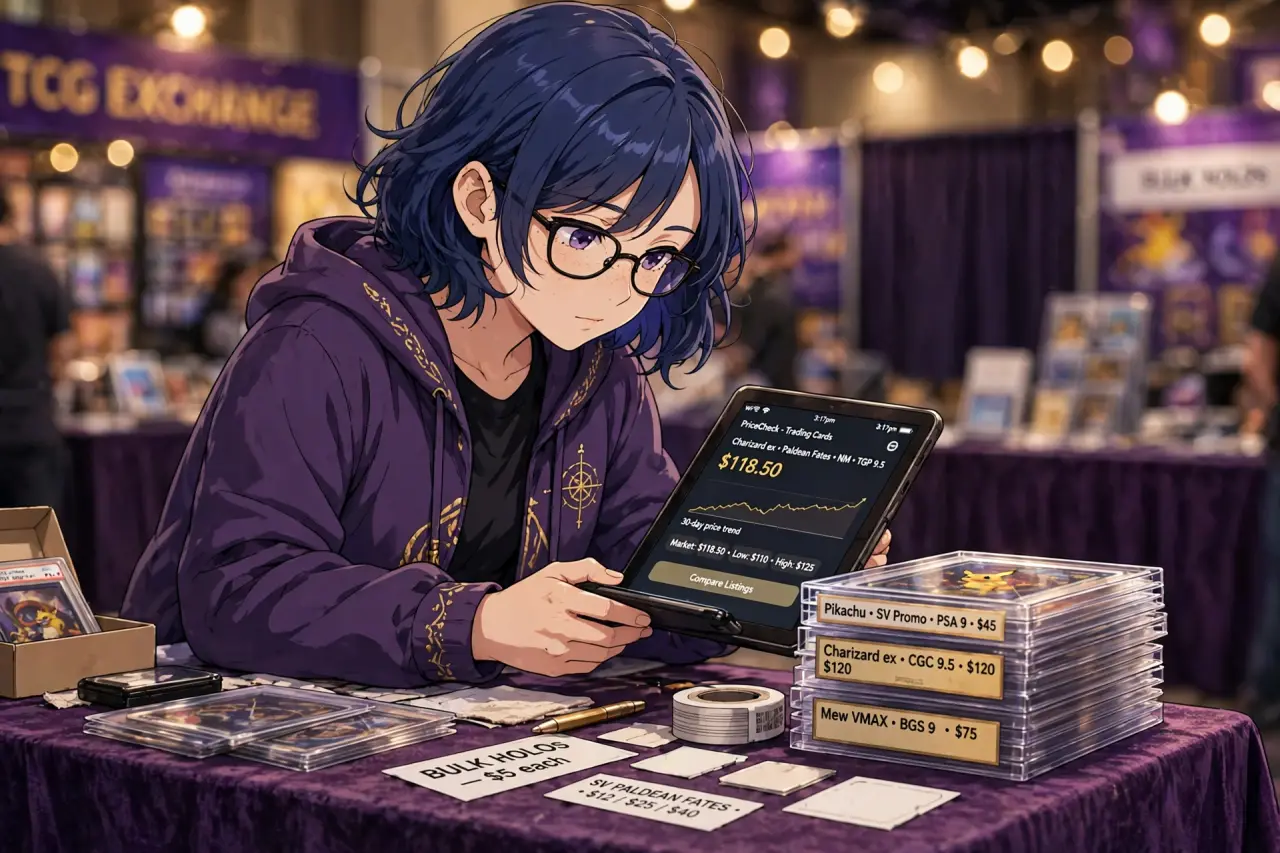 Live demo coming soon
Trade-in calculator
Enter a card’s market value and see the exact offer Koda Cloud puts in front of you at the table: $250 market is $175 cash or $200 in trade credit.
- Live demo coming soon
Make the label yours
Type your shop name, pick a colourway, and see your label with its QR and price. Founding vendors get 500 starter labels to put it on a real table.
- Live demo coming soon
Your table, mid-show
Hold a card, mark one sold, and watch the counts and takings change. Hold it at the table and it’s held on your storefront; sell it and it’s gone.
The honest comparison
Why not just use what you’re using?
Fair question. Here’s the trade-off, plainly.
A spreadsheet
Free, familiar — and manual everything.
- Yes: Costs nothing
- No: No QR labels or buyer-facing pages
- No: Trade-in math in your head
- No: Holds and sales tracked from memory
$0 — and worth about that at a busy table
Inventory & label apps
Built for collectors and back offices first.
- Yes: Live pricing and inventory
- Yes: Custom labels — with their branding on them
- No: No trade-in workflow
- No: No holds or at-table sales flow
Around $19/mo effective on annual plans
Koda Cloud
Transaction-first. Built at the table.
- Yes: Snap, price, label — one intake flow
- Yes: Labels in your colours, your name
- Yes: Trade-ins at 70% cash / 80% trade, automatic
- Yes: Holds, sales and storefront always in sync
- Yes: Not a POS — your payments stay exactly as they are
Founding vendors: grandfathered — see below
Founding vendors
Get in early, stay grandfathered.
Koda Cloud is rolling out the way it was built: one vendor at a time, starting with people who actually work shows. The first group through the door locks in founding terms for good.
- Grandfathered pricing — trade 1-for-1, pay at cost, or don’t pay. Founding terms don’t get renegotiated later.
- 500 starter labels in your colours, so your first show with it costs you nothing in supplies.
- Your own copy of the tool — configured for your shop, your games, your rates. Not a shared tenant account.
- A direct line — feedback from founding tables is what gets built next.
- Print & cut yourselfStandard sheets, your printer, our designer. Cheapest way in.DIY
- Pre-cut label sheetsYour colourway, printed and cut, shipped to you ready to peel.Sheets
- Print serviceSend the list, get finished labels back. Zero printer wrestling.Service
- Table thermal printerPrint on demand mid-show as trades come in. For high-volume tables.Thermal
Prefer to talk it through? DM @kodas.cc on Instagram — that’s Dakota, the vendor who built it.
Questions
Asked at actual tables.
Is this a POS system?
No — deliberately. There’s no cash register, no card reader integration, no till. Koda Cloud handles the vendor side around the sale: catalogue, pricing, trade-ins, holds, labels and your storefront. You take payment however you already do.
Does it work when the venue Wi-Fi dies?
Yes. Your catalogue preloads before the show, the terminal keeps working offline, and sales and holds queue up and sync when you’re back online. It was designed for community-centre Wi-Fi, not despite it.
What does “white-label” actually mean here?
Your shop name and colours on the labels, your branding on the storefront your QR codes open, your name on the terminal. A buyer who scans a label sees your shop — the words “Koda Cloud” never appear on your table.
Which games does it handle?
Pokémon and Magic: The Gathering are the home turf — it’s built and tested on them at live shows. The copy-and-QR model works for any collectible with singles: other TCGs, sports cards, sealed product and graded slabs keyed by cert number.
What does it cost after the founding round?
Regular vendor pricing is being set with the founding group — the working draft is $39 CAD/month, justified by the trade-in, holds and sales flow the cheaper tools don’t have. Founding vendors keep their founding terms regardless of where the regular price lands.
Can I export my data if I leave?
Yes. Your catalogue is yours — export it as CSV any time. Each store runs its own copy of the tool with its own backups, so your data is never tangled up with anyone else’s.
Your next show could run itself a little more.
Snap the card. The price, the label, the trade-in offer and the storefront all follow. Bring your brand — we’ll bring the tool.